
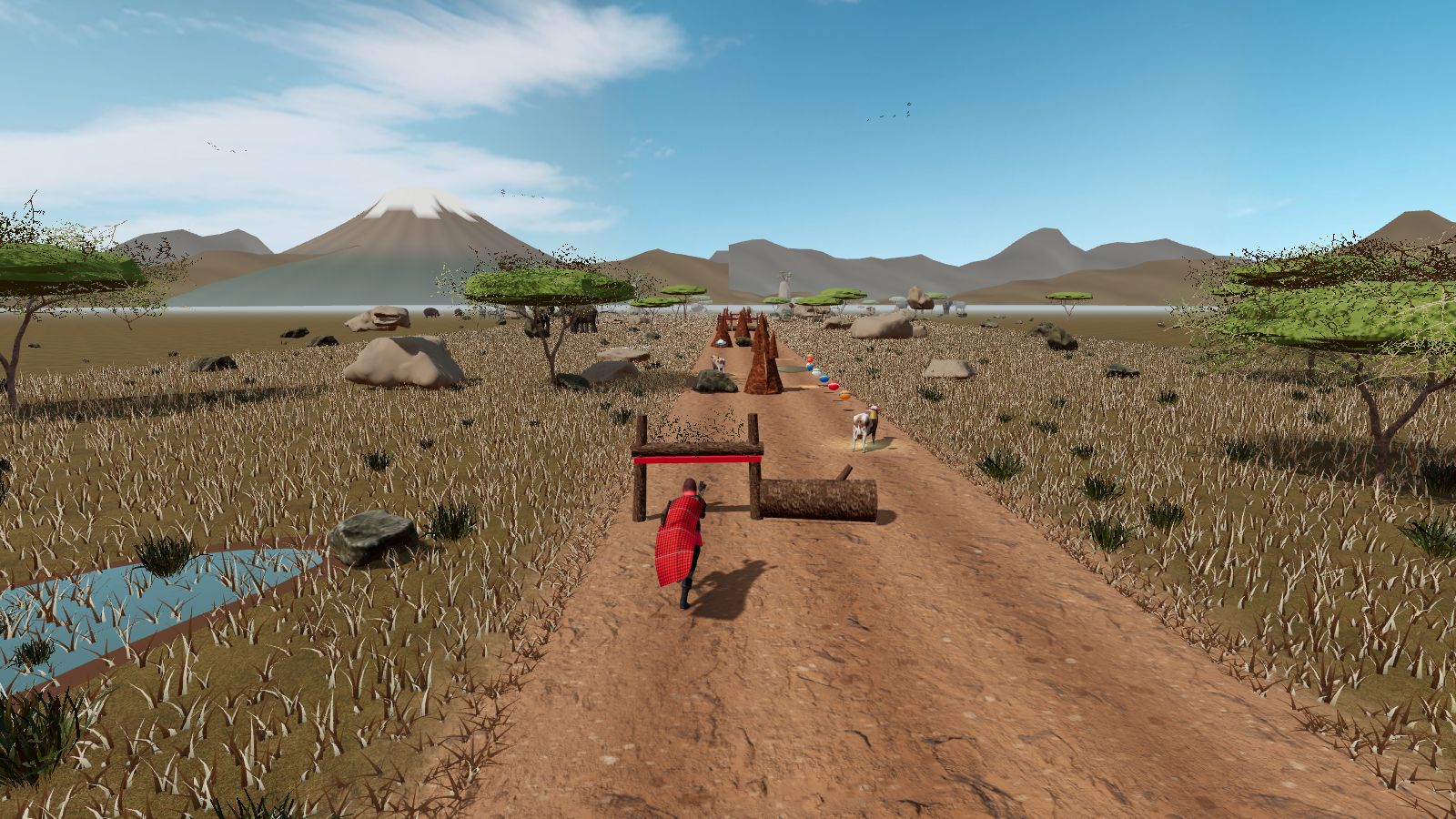
1. Play in your browser
No download needed: open www.naserian.co.ke and press Begin. It works on phones, tablets and computers.
2. Install the web app (recommended)
Installing NASERIAN puts it on your home screen or desktop. It opens full screen with no browser bars, loads instantly, and plays offline after the first run. Your progress stays with you.
Tap Install on the card that appears on the home screen, or open the ⋮ menu and tap Install app / Add to Home screen.
Tap the Share button, scroll down and tap Add to Home Screen, then Add.
In Chrome or Edge, click the install icon at the right of the address bar, or open the menu and choose Install NASERIAN.
3. Android APK
Prefer a classic Android app? Download the APK straight from us. Already installed? Installing again updates it and keeps your progress.
- Download. One file, about 30 MB.
- Open it. Tap the finished download in your notifications, or find Naserian.apk in Downloads.
- Allow & install. If Android asks, tap Settings, turn on Allow from this source, go back and tap Install.

Android says "unsafe app" or Play Protect?
NASERIAN isn't on the Play Store yet, so Android warns about any app installed from a website. Tap More details, then Install anyway. The app only asks for internet access and vibration for controller rumble. Only install it from www.naserian.co.ke.
Requirements
Recent Chrome, Edge, Safari, Firefox or Samsung Internet with WebGL and JavaScript turned on.
Android phones and tablets, iPhone and iPad, Windows, Mac, Linux and Chromebook.
Graphics adjust automatically. If it stutters, lower the level in Settings.
Touch, keyboard, or a gamepad. See all controls.
Questions
Do I need to download anything to play?
No. NASERIAN plays instantly in any modern browser at www.naserian.co.ke. Installing it is optional and gives full-screen play.
How do I install NASERIAN on iPhone or iPad?
Open www.naserian.co.ke in Safari, tap the Share button, then Add to Home Screen. It opens full screen like an app.
How do I install NASERIAN on Android?
Either install the web app from Chrome (Install app in the ⋮ menu, or the Install card on the home screen), or download the Android APK from this page and open it.
Is the Android APK safe?
Download it only from www.naserian.co.ke. Android warns about any app installed from a website because NASERIAN isn't on the Play Store yet. The app asks only for internet access and vibration.
Does NASERIAN work offline?
Yes. After your first visit, the installed web app and the Android app both play offline.
What do I need to run it?
A browser with WebGL: recent Chrome, Edge, Safari, Firefox or Samsung Internet, on a phone, tablet or computer. Lower the graphics level in Settings on older phones.
Ready to run the Mara?
Free, no sign-up, no ads. Plays right in your browser, or install it for full-screen play.
▶ Play NASERIAN now